← Create your own 
🎀 How to Create Kawaii Style Christmas Cards (AI Magic!)
Forget the generic reindeer and boring photo frames. This year, your card is going full Kawaii: adorable, pastel-colored, sparkling, and utterly unforgettable.
The challenge? Getting a family of humans and pets to look like charming, big-eyed Chibi characters. The solution is much easier—and faster—than learning Japanese illustration.
The Problem with Kawaii DIY:
- Trying to draw yourself as a Chibi character (and failing).
- Hiring a professional illustrator (expensive and slow).
- Forcing your pet to wear a tiny bow tie (risky).
The Fun HolidayCards Way:
- Upload your existing photos—messy hair and all (2 minutes).
- Select the 'Kawaii' style in the app.
- Result: A professional, pastel-perfect illustration ready to print or send.
See the Adorable Transformation
Your normal phone snaps are about to be reborn as a cute masterpiece:
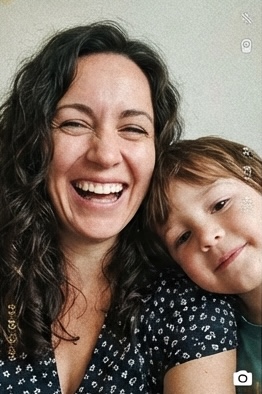
Selfie #1
Selfie #2
← These two separate, casual photos were used as the input.
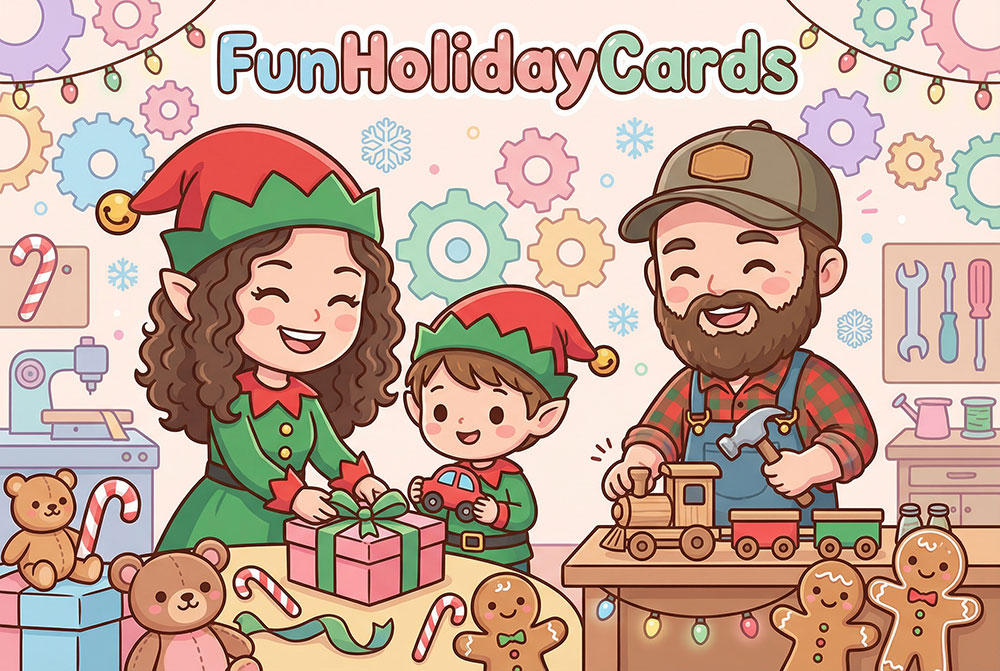
The AI Kawaii Results
Pastels & Sparkles at Santa's Workshop
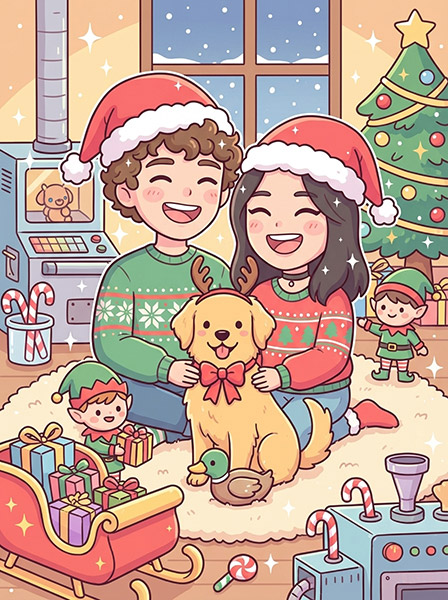
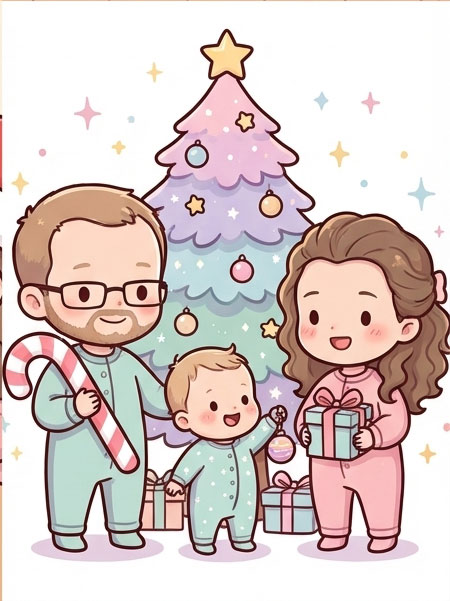
Using other photos you can create similar cards to these:
Chibi family at North Pole
Another chibi family
How to Get Your Card in 4 Simple Steps
- Upload Photos: Visit FunHolidayCards.com and upload 1-5 photos. One photo per person/pet, it doesn't matter what they are wearing!
- Choose 'Kawaii': Select a scene (a country, a city or a Christmas location) and, most importantly, select the 'Kawaii' style tag.
- Hit Generate: The AI will process your images and blend your faces into a brand new, cohesive illustration in seconds.
- Download & Share: Download your high-resolution card and watch it become the most-kept card on your friends' fridges.
FunHolidayCards.com turns your camera roll into an illustration studio. Stop wasting time trying to coordinate a photoshoot and start sending the cutest, most unique card of the season.
Create Your Kawaii Card Now! 💖
Takes 2 minutes.